(800) 824-7741  |  Mon–Fri, 9am–5pm CT
 
ePay

Tuition paid on time, posted without retyping.

Families pay their balance by card or bank account from the family app, once or on autopay. Each payment posts to the family's account in ChildWatch, so the office reconciles instead of keying.
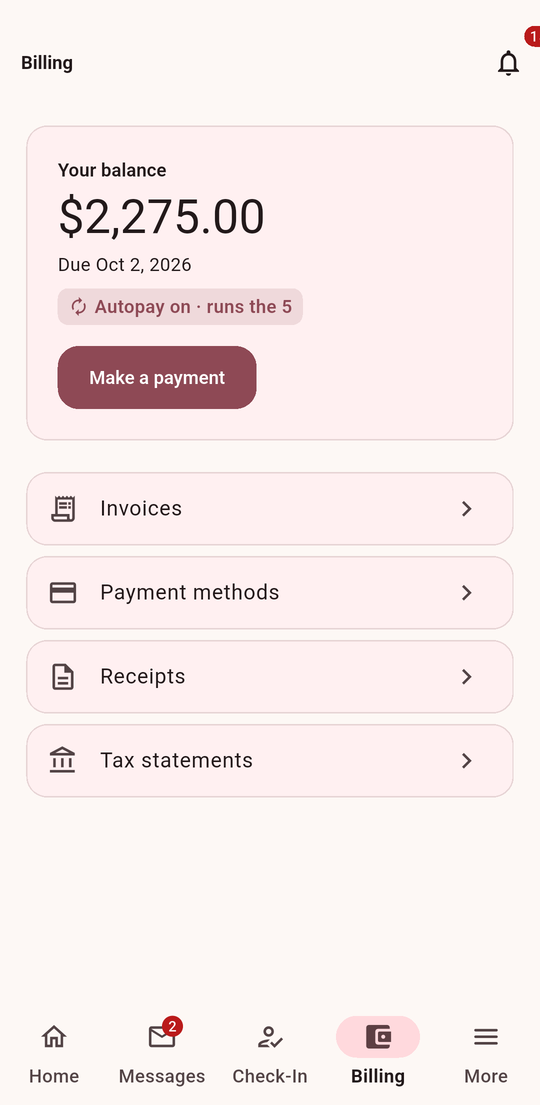
Paying a balance in the ChildWatch family app
How it works

From statement to deposit

The statement

ChildWatch bills each family on schedule; the balance shows in the family app.

Card or bank account

Families pay by credit or debit card, or directly from a bank account.

Autopay

Families who choose autopay are charged on the schedule you set - no reminders needed.

Posted automatically

Each payment posts to the right family's account; failed payments are flagged for the office.

Card numbers never stored

Payments run through a PCI-compliant processor; ChildWatch never stores a card number.

Rates

We will go over processing rates with you on a short call.

See billing and ePay together

Tell us about your program and we'll send you a demo video for it within one business day - watch on your schedule and share it with your staff. Questions after? We'll set up a short call.